
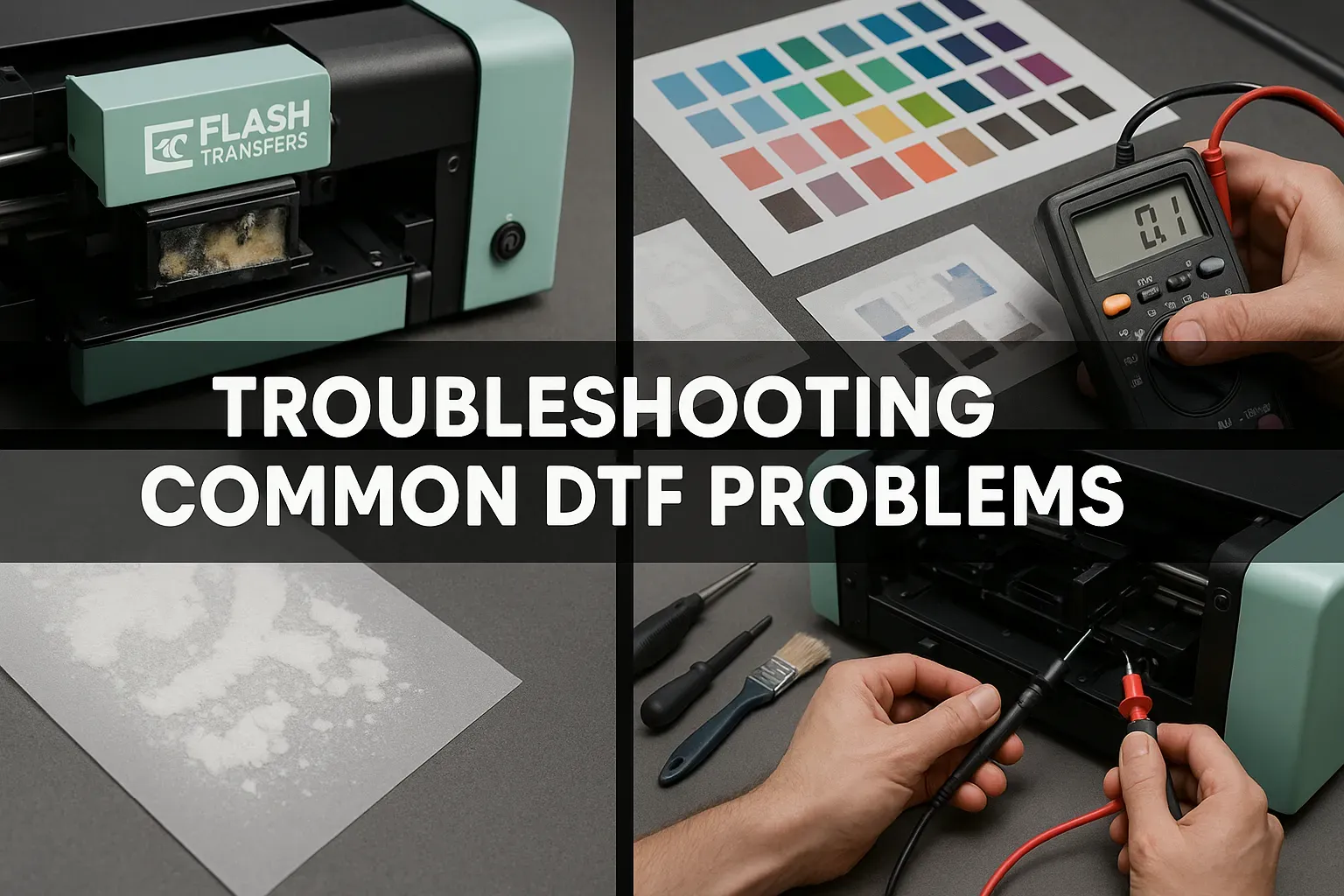
DTF printing troubleshooting has become essential for garment decorators, screen printers, and print shops aiming for consistent, high-quality transfers. As DTF transfers gain popularity for vibrant prints on cotton, polyester, and blends, diagnosing issues quickly helps maintain production efficiency. Mastering DTF printing troubleshooting means pinpointing root causes—from printer hardware to film quality and transfer settings—so you can apply targeted fixes on your DTF printer. From identifying DTF ink problems to addressing common DTF issues with powder adhesion, addressing issues promptly minimizes downtime and keeps customers satisfied. This guide covers practical tips, quick fixes, and best practices, including DTF transfer troubleshooting and DTF heat press tips to optimize curing and adhesion.
Viewed through an alternative lens, the direct-to-film workflow refers to printing on a transfer film, dusting with powder, and then applying heat and pressure to bond the design to the fabric. This film-based digital transfer approach shares common troubleshooting touchpoints with other textile-substrate processes, including ink behavior, powder adhesion, and curing conditions. Practitioners often frame challenges in terms of print consistency, color accuracy, registration, and adhesion, rather than labeling them as 'DTF problems' alone. By using a broader vocabulary—such as direct-to-film printing, film transfer, or digital fabric transfer—you tap into related topics like printer calibration, color management, and substrate compatibility. Understanding these parallels helps teams apply proven strategies from other print disciplines to improve reliability and scalability in your shop.
DTF Printing Troubleshooting: A Systematic Diagnostic Approach
Effective DTF printing troubleshooting starts with a methodical, repeatable process. For garment decorators, screen printers, and small to mid-sized print shops, treating each symptom as data rather than a defect helps protect production flow and customer satisfaction. A systematic approach recognizes that the DTF system comprises printer hardware, ink or powder systems, transfer film, and the heat press used to cure and transfer the design. When one part falters, you may see dull colors, misregistration, or weak adhesion. By mapping problems into these components, you can pinpoint root causes quickly and apply targeted fixes rather than guesswork, turning interruptions into manageable events.
Implementing a practical workflow means defining symptoms, capturing reference samples, and executing a short, repeatable diagnostic cycle. Start with a simple nozzle check, run a test pattern, and verify ink flow across all channels. Next, inspect the color management workflow and confirm you are using the correct ICC profile for your printer, film, and ink. Finally, examine the transfer film and heat press settings, recording any deviations. Document results and create a living playbook you can reuse whenever a new design or material arrives, reducing downtime and ensuring consistent transfer results. This is at the heart of DTF printing troubleshooting and DTF transfer troubleshooting in real production environments.
Understanding DTF Issues: Diagnosing Ink, Color, and Registration Challenges
DTF issues manifest across several domains: ink behavior, color and registration, powder adhesion, and transfer execution. Diagnosing these categories helps you avoid chasing symptoms and instead target the underlying cause. In practice, you may notice faded colors, misregistered patterns, white underbase weakness, halos around edges, or powder that clumps during curing. Understanding these patterns helps you distinguish between material quality problems, equipment misalignment, and process parameters, so you can frame a precise corrective action plan around DTF issues and related topics like DTF printer performance.
Another way to frame the problem is to classify issues by the stage of production. For example, ink flow and nozzle behavior point to DTF ink problems or print-head issues; misregistration points to alignment and platen setup; powder adhesion concerns tie to drying time and curing; and adhesion failures reflect heat press parameters and film compatibility. As you gain experience, you’ll be able to map a symptom to a likely root cause quickly, increasing first-pass yields and reducing rework.
Optimizing the DTF Printer Setup for Consistent Color and Registration
Optimizing the DTF printer setup begins with reliable mechanical alignment and consistent substrate handling. Calibrating the printer bed or platen ensures that registration remains tight from corner to corner, while verifying head clearance and a flat feed path prevents unexpected head strikes. Regular calibration of media guides and platen height reduces the risk of curling fabric or shifting during printing. A well-tuned DTF printer foundation supports vivid color, clean registration, and fewer interruptions caused by hardware drift.
A core part of optimization is color management. Build a workflow around ICC profiles that reflect your inks, films, and fabrics, and re-profile whenever you swap materials or hardware. Check that color channels map correctly in the driver and that the print head height is appropriate for the chosen transfer film. This alignment keeps colors accurate and minimizes color shifts, which is essential for consistent results across cotton, poly blends, and other substrates. Regular printer maintenance items—nozzle checks and cleanings—support this stability and reduce recurring DTF issues.
DTF Ink Problems and Color Management: Achieving Accurate Reproduction
DTF ink problems often lie at the intersection of quality, storage, and mixing. Verify that inks are within shelf life, properly stirred, and free of air bubbles in the reservoirs. Inconsistent color density usually traces to clogged channels or improper pigment dispersion, while faint prints can relate to color channel limitations or insufficient ink loading. By inspecting ink supply chains and using fresh, well-mixed inks, you reduce variable factors that erode repeatable results. This focus on ink quality is a core component of reliable DTF transfers and consistent output.
Couple ink quality with robust color management to reproduce designs accurately. Use a consistent set of ICC profiles for your printer and film combination, and verify that color channels map correctly in the driver. Periodically re-profile to reflect changes in material batches or environmental conditions. Monitoring ink compatibility with the transfer film and cure parameters helps prevent color shifts, bleeding, and other DTF issues, while ensuring that adjustments to speed and temperature preserve image integrity across fabrics.
Powder and Curing: DTF Transfer Troubleshooting in Practice
Powder and curing are critical to the DTF transfer layer. If powder clumps or fails to adhere, the transfer will appear weak or uneven on the garment. Ensure the powder is fresh, evenly distributed with a consistent shaker, and given adequate drying time before heat curing. Over- or under-heating the powder can compromise adhesion, so verify the curing temperature and dwell time align with the film adhesive specifications. A disciplined approach to powder handling reduces rework and supports consistent transfers across runs.
Transfer performance also hinges on film quality and peel method. Inspect the transfer film for wear, curl, or edge roughness that could cause adhesion or release problems. Make sure the film is compatible with your ink system and within its shelf life. Practice the recommended peel approach (cold or hot) and ensure the garment remains flat during transfer to avoid shifting. When issues persist, re-test with a known-good combination of film, powder, and garment to isolate whether the problem lies with materials or the transfer process itself, a core idea in DTF transfer troubleshooting.
DTF Heat Press Tips: Achieving Strong Adhesion and Durable Transfers
DTF heat press tips focus on precise control of temperature, dwell time, and pressure to create durable, wash-fast transfers. Start with recommended settings from the film and ink suppliers, then fine-tune based on garment type (cotton, polyester blends) and transfer size. A small variation in pressure or temperature can alter ink deposition and adhesion, so use a calibrated pressure gauge and a stable heat source to reduce inconsistencies. Document your heat press routines so you can reproduce results batch after batch.
Practical tips include preheating fabrics to remove moisture, using even pressure across the platen, and applying post-transfer pressing if needed to equalize heat distribution. Run periodic tests on representative fabrics to confirm that settings yield consistent results, and maintain a concise log of failures and fixes. For ongoing consistency, align your heat press practices with the broader DTF heat press tips and film compatibility guidance, ensuring that each transfer matches your quality standards across different substrates.
Frequently Asked Questions
What are common DTF issues you might encounter with a DTF printer and how can you troubleshoot them?
DTF issues often include dull colors, color misregistration, white underbase problems, color bleed, powder adhesion challenges, and transfer failures. Troubleshoot by running a nozzle check and performing a print head cleaning, verifying ink shelf life and mixing, calibrating print head height, aligning the transfer film, testing with a pattern, and confirming proper curing settings to maintain transfer quality.
How can you resolve color misregistration in DTF transfer troubleshooting?
For DTF transfer troubleshooting, calibrate the printer bed or platen, verify transfer film alignment, and run a test pattern to confirm registration. Ensure the artwork is laid out correctly for the transfer size, review the printer driver’s scaling options, and re-check platen height and fabric handling to prevent folds during printing.
Why might the white underbase be missing or inconsistent in DTF printing and what can you do?
White underbase issues usually point to white ink channels not printing correctly or insufficient opacity. Check and clean the white channel, ensure white or light color printing is functioning, verify powder distribution and drying, confirm the curing step is complete, and make sure the transfer sheet isn’t loaded backward to avoid opacity problems.
What are essential DTF heat press tips to improve transfer quality and prevent issues?
DTF heat press tips include using the correct temperature, dwell time, and pressure for the material and film. Preheat the fabric to remove moisture, test on a sample garment, and adjust based on fabric type (cotton, polyester blends). Monitor heat distribution to avoid hotspots and consider a post-transfer press if needed to even out heat for consistent adhesion.
How do you troubleshoot powder not sticking or clumping on the transfer layer in DTF printing?
Ensure powder is fresh and evenly distributed, use a consistent shaker, and allow adequate drying time before curing. Avoid over- or under-heating the powder, verify the curing temperature, and confirm compatibility between the powder, film, and ink system to maintain strong adhesion.
What maintenance practices help minimize DTF issues on a DTF printer and maintain consistent results?
Prioritize regular nozzle checks and print head cleaning, inspect ink lines, and use fresh, properly stored consumables. Regularly calibrate alignment and platen flatness, manage a stable environment (temperature and humidity), and document workflows and settings to reproduce successful results and quickly identify deviations.
| Area | Key Points | Notes / Examples |
|---|---|---|
| Overview | DTF printing troubleshooting helps diagnose issues quickly to maintain production efficiency and customer satisfaction. Focus areas include printer hardware, film quality, and transfer settings. | Applicable to garment decorators, screen printers, and small‑ to mid‑sized print shops. |
| System components & typical pitfalls | DTF relies on printer, ink/powder system, transfer film, and heat press. When any part falters, you may see dull colors, misregistration, or weak adhesion. | Groups problems into core categories: print head/ink behavior, color/registration, powder application & curing, and transfer execution. |
| Common issues & quick fixes | Nine representative issues with practical fixes are provided in the guide. | Examples include: (1) ink not printing or faint prints, (2) color misregistration, (3) white underbase issues, (4) color bleed, (5) powder not sticking, (6) poor adhesion after transfer, (7) transfer film not releasing cleanly, (8) print head strikes/banding, (9) inconsistent curing. |
| Troubleshooting workflow | A practical, stepwise approach you can implement today. | Step‑by‑step guidance includes symptom capture, nozzle checks, color management review, transfer film & powder check, heat press validation, fabric compatibility assessment, and testing with a known‑good setup. |
| Maintenance & preventive practices | Maintenance reduces downtime and improves consistency. | Regular nozzle checks, head cleaning, fresh consumables, calibration, environmental control, and documenting workflows and settings. |
| Advanced tips | Strategies to maintain consistency across materials and machines. | Develop color‑management workflows with ICC profiles, test new films/powders in controlled runs, maintain alignment between printer, film, and heat press, and keep a troubleshooting journal. |